
Word puzzle
Word-O-Witz
A few clues. A little wit. One hidden word.

Ready when you are.
How to play.
- 01
Choose the Daily puzzle, or open How to play for a tutorial.
- 02
Enter a word using the on-screen or physical keyboard.
- 03
Use the clues and feedback to narrow down your next guess.
- 04
Visit your backyard to meet Buddy, and open the Word Vault to see your words and badges.
A FEW POINTERS
Make your next guess count.
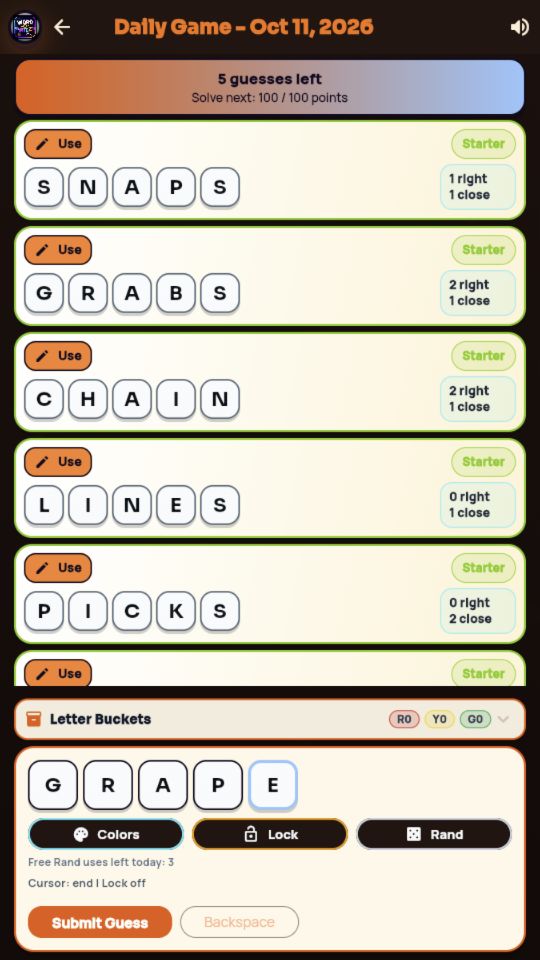
Word-O-Witz turns each guess into another clue. Study the word hints and letter feedback, then choose a new guess that tests what you have learned. The daily puzzle gives you a reason to return without turning a quick word break into an endless session.
Playing in your browser
Daily puzzles, the tutorial, Word Vault, collectible badges and Buddy's backyard. Backyard coins, decorations, detailed word history and badges stay in this browser, including when you use website cloud saves for puzzle progress and stats. Just Play rounds that require a rewarded video, and ad-based reveals, are currently unavailable. Phone progress and purchases remain separate. Choose cloud play and set up your leaderboard profile to share rankings and submitted results with the phone app. The first synced daily result counts; replaying on another device cannot replace it.
When two guesses seem equally good
Suppose two possible words fit the clue. Before choosing, compare each one with the feedback from your earlier guesses. Prefer a word that follows what you already know and tests something new. You can hide the on-screen keyboard to review the word list, then bring it back when you are ready. A laptop’s physical keyboard works too; click inside the game first.
Try this
- Start with the tutorial to learn what the feedback means in your chosen mode.
- Read all the clues before guessing. A word that tests new letters can be more useful than repeating the same idea.
- Use the on-screen keyboard on a phone, or click inside the game before typing with your computer keyboard.
INSIDE THE GAME
Take a look around.
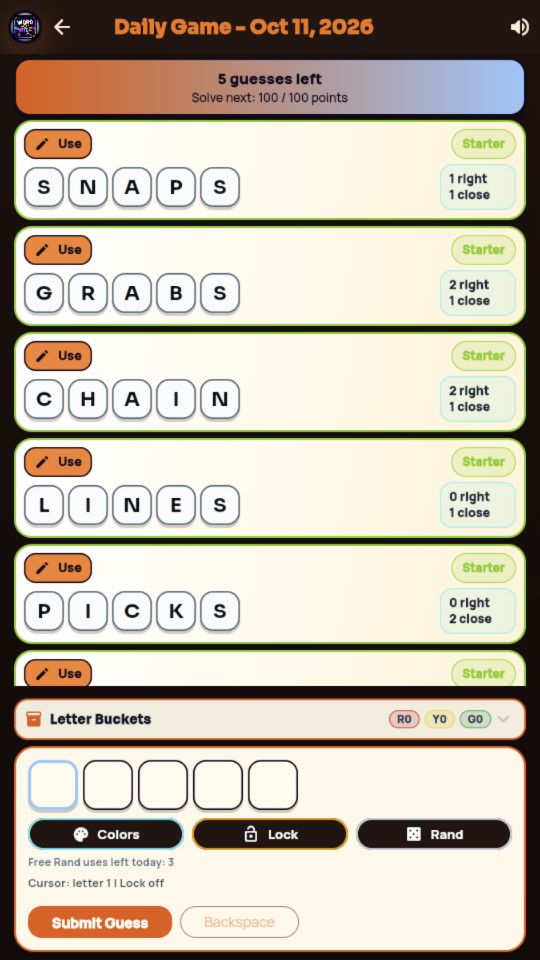
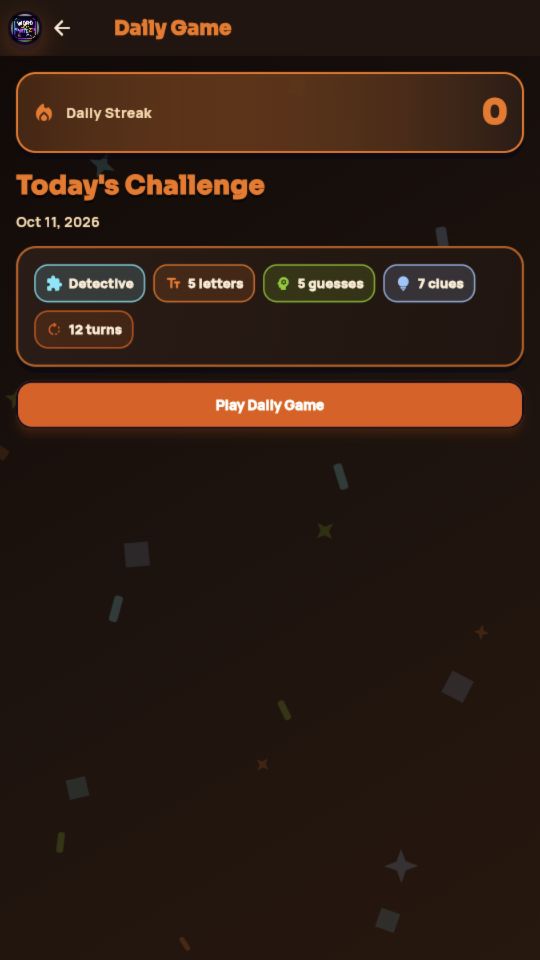
A look inside the game. Phone and browser editions may differ. Select an image for the full view.
Saves & optional extras
Guest progress stays in this browser. Cloud play saves puzzle progress and stats across devices; Buddy's backyard, Word Vault history and badges stay in this browser. Phone progress and purchases are separate.
Daily, the tutorial, Word Vault and Buddy's backyard are available. Just Play keeps its every-other-game rewarded-ad rule, starting with the first round. Those starts and ad-gated reveals stay unavailable until browser rewarded videos are connected.
Clearing browser data removes local progress. In-game rewarded ads and purchases are currently off.