
Math & reflexes
Math Ninja
Think fast. Slice smarter.

Ready when you are.
↻ Turn your phone sideways for a larger view.
How to play.
- 01
Choose your dojo and start a round.
- 02
Drag your mouse or swipe to slice the answer to the math problem.
- 03
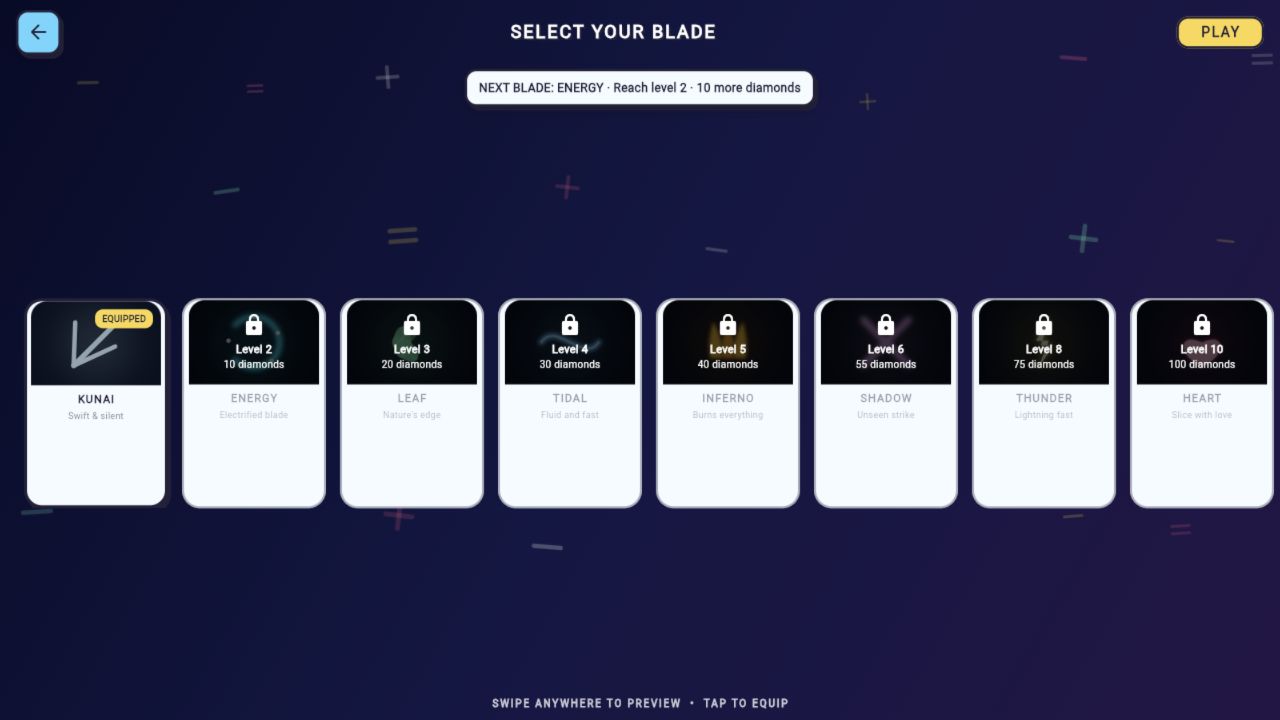
Avoid bombs and earn coins through play to unlock more items.
A FEW POINTERS
Solve first. Slice second.
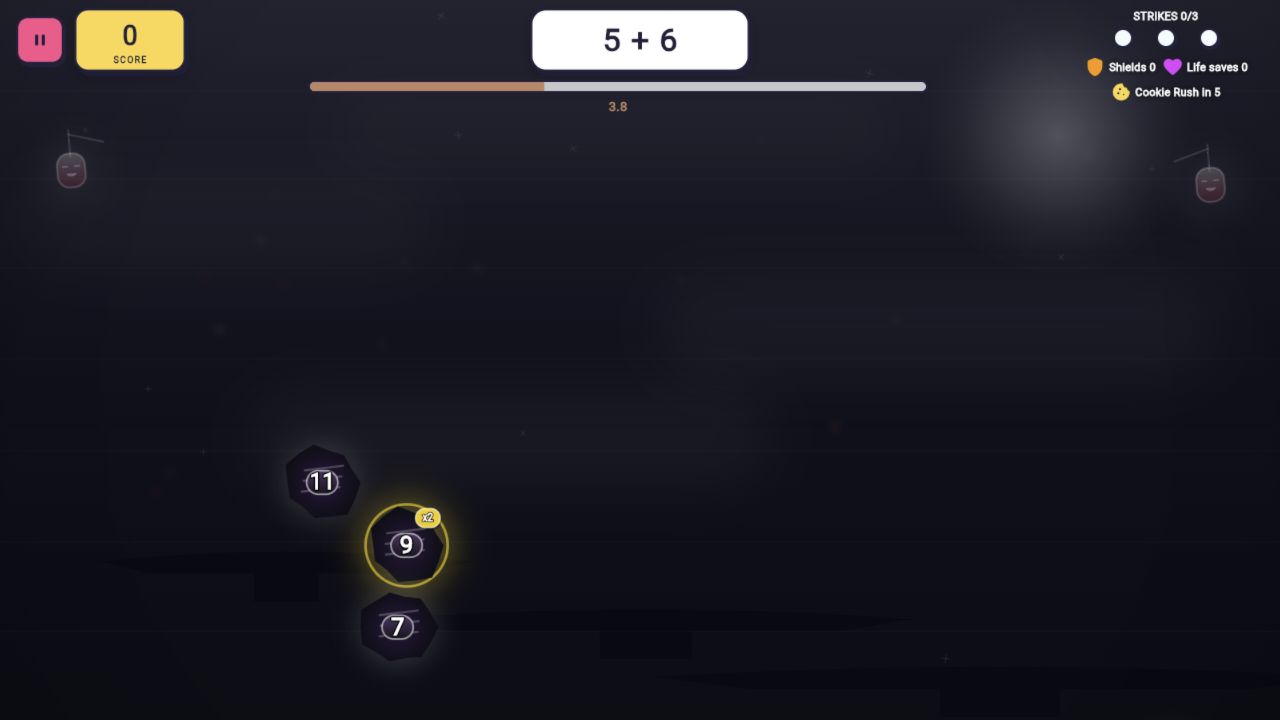
Math Ninja mixes arithmetic with a swiping challenge. Read the problem, find the correct answer among the flying targets, and slice it while keeping clear of bombs. Earning rewards through ordinary play lets you explore more blades and dojos.
Playing in your browser
Regular rounds and earned gameplay rewards. Browser purchases and optional video rewards are unavailable. Cloud saving is optional and requires the game's age setting to be 16 or older.
A careful slice beats a big swipe
For a problem such as 7 + 5, work out 12 before moving toward the targets. Once you spot it, aim a short swipe through that answer. Sweeping across the whole screen can also catch a bomb. On a laptop, press and hold the mouse button while dragging; simply pointing at the number does not make a slice.
Try this
- On a computer, hold the mouse button and drag through the answer. A tap alone is different from a slice.
- Read the problem before chasing a target. A short, deliberate swipe can avoid a nearby bomb.
- Pause between rounds when you need a break. Use the player's Fullscreen control for more room on a laptop.
INSIDE THE GAME
Take a look around.
A look inside the game. Phone and browser editions may differ. Select an image for the full view.

Saves & optional extras
Play as a guest to keep progress in this browser, or choose cloud play to save across devices. Phone progress and purchases are separate.
Normal gameplay rewards remain available. Video rewards and purchases are unavailable on the website; the daily reward caps are unchanged.
Clearing browser data removes local progress. In-game rewarded ads and purchases are currently off.